Blocking someone on Instagram is one of the most common privacy actions on the platform — and also one of the most misunderstood. People often aren’t sure exactly what a block does to their DMs, their comments, or whether the other person finds out.
This guide breaks down every effect of blocking in detail, walks you through how to block from any location in the app, explains how to unblock, and covers the alternatives if blocking feels too extreme.
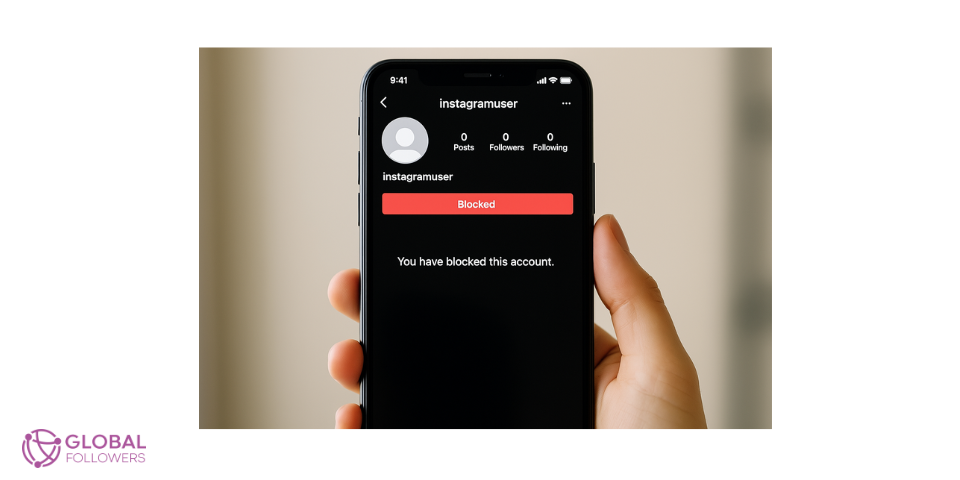
What Does Blocking Someone on Instagram Do?
When you block someone on Instagram, it creates a mutual invisibility wall between the two accounts. Here’s what changes immediately:
| Feature | Effect After Blocking |
|---|---|
| Profile visibility | Your profile, posts, Reels, and Stories become invisible to them |
| Search | They can’t find your account through Instagram search |
| Comments & likes | Their previous comments/likes disappear from your posts |
| Direct messages | They can’t send you new messages; existing chats remain |
| Tagging | They can’t tag you in posts, Stories, or comments |
| Notification to them | Instagram does not notify them that they were blocked |
Does the Blocked Person Know They Were Blocked?
Instagram doesn’t send any notification when someone is blocked. However, the blocked person can figure it out indirectly. If they search for your username and can’t find your profile, or if they notice your comments disappeared from mutual posts, they may suspect a block. They can also check directly by searching your username while logged out of Instagram if your profile is visible to the public but not to them, it confirms they’ve been blocked.
What Happens to Messages When You Block Someone?
Blocking does not delete past conversations. Both you and the blocked person can still see the existing message thread in your DMs. The difference is that neither of you can send new messages to each other. In their inbox, their chat with you may show your account name as “Instagram User,” or the conversation may appear greyed out, depending on the app version.
What Happens to Their Comments and Likes?
Any comments the blocked person left on your posts are hidden immediately after you block them. Their likes are removed from your posts as well. This happens automatically you don’t need to delete anything manually. If you unblock the person later, their previous interactions may or may not reappear depending on what Instagram’s servers still hold.
How to Block Someone on Instagram
Block Through Their Profile (Mobile)
- Open Instagram and navigate to the profile you want to block.
- Tap the three-dot menu (the “…” icon) in the top right corner of their profile.
- Tap Block.
- Choose whether to also block any accounts they may create in the future (optional but recommended for serious situations).
- Confirm the block.
Block Through a Comment
- Find the comment from the person you want to block.
- Long-press the comment.
- Tap the Block option that appears.
- Confirm the block.
Block Through a Direct Message
- Open the DM conversation with the person.
- Tap their username at the top of the chat to open their profile.
- Tap the three-dot menu and select Block.
- Confirm.
How to Block on Instagram Desktop (Website)
- Go to instagram.com and log in.
- Navigate to the profile you want to block.
- Click the three-dot menu next to their profile picture.
- Select Block and confirm.
The desktop process is identical in outcome to mobile the only difference is using a mouse click instead of a tap.
How to Unblock Someone on Instagram
Changed your mind? Unblocking is just as easy as blocking:
Via Settings: Go to your profile, tap the menu, select Settings and Privacy, then Privacy, then Blocked Accounts. Find the person and tap Unblock.
Via their profile: If you can navigate to their profile directly (by typing their username in the search bar), you’ll see an Unblock button on their profile page.
When you unblock someone, your profile becomes visible to them again and they can interact with your content. However, any comments and likes that were removed during the block period do not automatically return.
Also worth knowing: after unblocking, you have to manually re-follow each other. Unblocking doesn’t restore the follow relationship you’ll both appear as non-followers even if you were following each other before.
Alternatives to Blocking
Blocking is permanent and creates a hard separation. If you want a softer approach, Instagram offers three alternatives worth considering:
Restrict
Restrict is Instagram’s soft block. When you restrict someone, their comments on your posts are hidden from everyone except them (they can still see their own comments but think they’re visible). Their DMs go to your Message Requests folder instead of your main inbox. They have no idea you restricted them. It’s useful when you want to reduce someone’s ability to disrupt your content without the finality of a full block.
Mute
Muting someone removes their posts or Stories from your feed without unfollowing or blocking them. They remain your follower and can still see and interact with your content you just won’t see theirs. It’s the most discreet option when you want to manage what you see without affecting the relationship.
Remove Follower
If someone follows you and you’d rather they didn’t, you can remove them as a follower without blocking. They won’t be notified. They can still visit your profile and re-follow you unless your account is private in which case, they’d need to request to follow again.
Make Your Account Private
If you’re dealing with unwanted attention from multiple people, switching to a private account is the broadest solution. Only approved followers can see your content. Anyone not already following you will need to send a follow request that you can approve or deny.
Frequently Asked Questions
If I block someone on Instagram, will they know?
Instagram doesn’t notify blocked users. However, if they check their DMs, search for your profile, or notice their comments are gone, they may figure it out on their own.
What happens when you block someone on Instagram and then unblock them?
After unblocking, they can see your profile and interact with your content again. But neither of you will be following the other that connection doesn’t restore automatically. Previous comments removed during the block period may not reappear.
Can a blocked person still see my posts?
No. Your entire profile, including posts, Reels, and Stories, is invisible to a blocked account. They also can’t find you through Instagram search. If your posts are shared publicly outside of Instagram (like through a link), they could view that content, but they can’t interact with it through Instagram.
Does blocking delete message history on Instagram?
Blocking does not delete existing messages. Both parties can still see the conversation thread. To remove the messages, you’d need to manually delete the conversation separately from the block.
What’s the difference between block and restrict on Instagram?
Blocking prevents all interaction and hides your profile from the person completely. Restricting is more subtle the person can still see your profile and leave comments, but their comments are hidden from others and their DMs go to your request folder. They don’t know they’re restricted. Block is a complete cutoff; restrict is a quiet filter.
Can someone see your Instagram if you block them?
Not through Instagram directly. Your profile, posts, Stories, and Reels are completely hidden from a blocked account. If they log out or create a new account, they can search for and view your profile again (assuming it’s public), but your existing block will still apply to the original account.

Instagram Insights and content impressions play a crucial role in understanding your account’s performance and how widely your posts are being seen ac...

Instagram Saves are a powerful yet often underutilized engagement metric that signals deep audience interest by allowing users to bookmark posts they ...



No comments to show.