Getting suspended on Twitter is frustrating, and the process for getting your account back can feel opaque. Twitter does not always explain exactly why an account was suspended, which makes knowing how to respond difficult.
This guide explains the types of suspensions Twitter issues, how to appeal each one, how long the process typically takes, and what to do if your account has been permanently suspended. The steps apply to Twitter X in 2025 and 2026.
Why Twitter Suspends Accounts
Twitter suspends accounts for a range of reasons, from clear rule violations to automated systems flagging behavior that looks suspicious. The most common causes include:
- Violating Twitter Rules, such as posting hate speech, abusive content, or threats
- Spam activity: sending too many DMs, following and unfollowing rapidly, or posting identical tweets in bulk
- Impersonating another person or brand
- Distributing malware or malicious links
- Operating multiple accounts that coordinate to manipulate trends or votes
- Sharing content that promotes violence, terrorism, or illegal activity
- Repeated reports from other users that Twitter reviews and upholds
Account suspensions are separate from account deactivations. If you deactivated your account intentionally and want to bring it back, see our guide on how to temporarily deactivate a Twitter account.
Types of Twitter Suspensions
Not all suspensions are the same. Understanding which type you are dealing with tells you what your recovery options look like.
| Suspension Type | What It Means | Recovery Option |
| Temporary lockout | Account locked pending identity verification | Verify phone/email and complete steps |
| Read-only mode | Can view but not post or interact | Usually resolves automatically in hours |
| Standard suspension | Account fully suspended, visible with notice | File an appeal |
| Permanent suspension | Account suspended for severe or repeat violations | Appeal possible but rarely reversed |
How to Unsuspend a Twitter Account: Step-by-Step
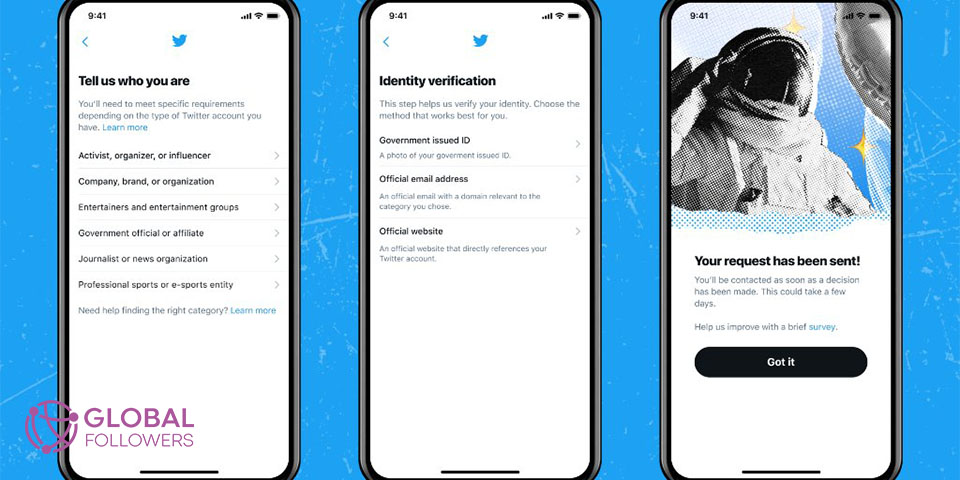
The first thing to do when you find your account suspended is to go through Twitter’s built-in verification and appeal process.
- Open twitter.com or the Twitter app and try to log in.
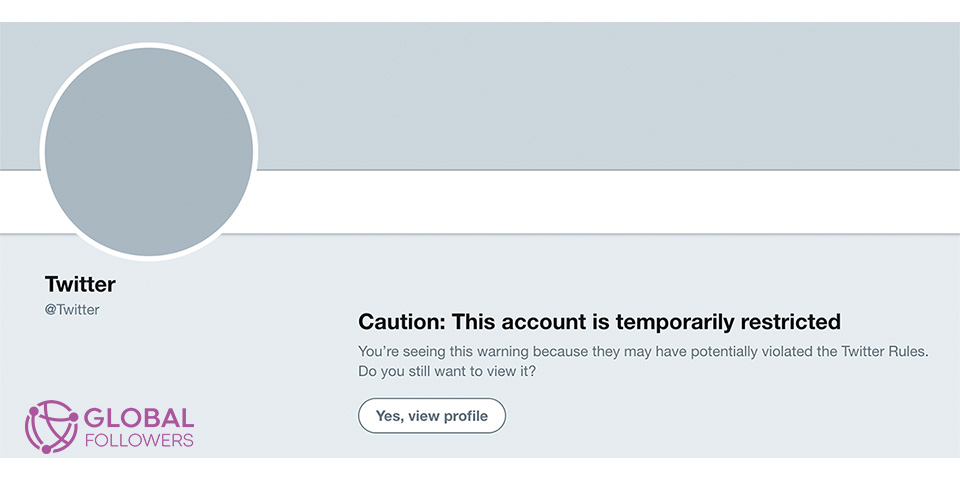
- Twitter will show a notice explaining that your account has been suspended.
- Click or tap the link that says “Appeal a suspension” or “Learn more.”
- You will be directed to a support form. Fill in your account details and describe the situation honestly.
- Submit the form. Twitter will send an email confirmation and begin reviewing your case.
For temporary lockouts (not full suspensions), the process is simpler:
- Confirm your email address by clicking the verification link Twitter sends.
- Verify your phone number if prompted.
- Delete any tweets that Twitter flags as the reason for the lockout.
- Agree to the policy reminder and submit.
How to Appeal a Twitter Suspension
A formal appeal is necessary for standard and permanent suspensions. The appeal goes through Twitter’s Help Center.
- Go to https://help.twitter.com/forms/general and select “Suspended account” as the issue type.
- Enter the email address associated with your suspended account.
- In the description field, explain clearly and factually why you believe the suspension was an error. Avoid emotional language; focus on facts.
- If you believe the suspension was triggered by a mistake or automated error, say so specifically.
- Submit and wait for Twitter’s response.
Twitter typically responds within 24 to 48 hours for standard suspensions. Permanent suspension appeals can take longer and often result in a denial. However, some users have succeeded with follow-up appeals after waiting and resubmitting.
One practical tip: keep your appeal focused on the specific violation Twitter mentions. If no violation is named, request clarification in your message. Vague appeals that argue Twitter was simply wrong tend to be less effective than those that address the exact issue.
How Long Does It Take to Unsuspend a Twitter Account in 2026?
Timelines vary depending on the type of suspension and how busy Twitter’s support team is at the time of your appeal.
- Temporary lockout: usually resolved within a few hours after completing verification.
- Read-only mode: often lifts automatically within 12 to 24 hours without any action needed.
- Standard suspension: responses typically arrive within 24 to 72 hours. Actual reinstatement may follow within a few additional days.
- Permanent suspension: initial response usually within a week. Reversal is uncommon but not impossible.
During 2025, X Corp (formerly Twitter) has been processing appeals more quickly than in previous years following internal restructuring. Wait times are generally shorter than they were in 2022 or 2023.
How to Unsuspend a Permanently Suspended Twitter Account
Permanent suspensions are the hardest to reverse. Twitter issues them for severe violations such as promoting violence, coordinated manipulation, or sharing illegal content. That said, there are a few approaches worth trying:
- Submit a formal appeal through the Help Center form as described above. Be specific about your case.
- If you did not receive a clear reason for the permanent suspension, explicitly request one in your appeal.
- Wait at least two weeks, then submit a follow-up appeal referencing your original ticket number.
- If you believe the suspension resulted from a false report or a compromised account, include evidence such as login history screenshots or prior email confirmations.
There is no guaranteed method to reverse a permanent suspension. In many cases, users whose appeals are denied end up creating a new account and starting fresh. Note that Twitter’s policies prohibit evading a permanent suspension through a new account to engage in the same behavior that triggered the original ban.
How to Avoid Getting Suspended Again
Once your account is restored, a few habits will help you stay compliant with Twitter’s policies:
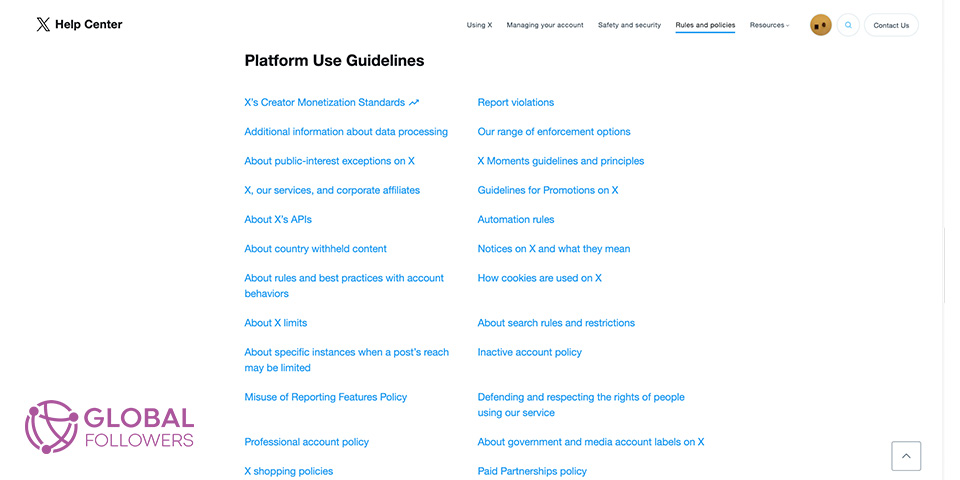
- Read Twitter Rules in full at least once. Most suspensions come from violations users did not realize were against policy.
- Avoid automation tools that follow, unfollow, or post on your behalf at high volume.
- Do not use identical tweet text across multiple accounts or post the same link repeatedly.
- Be cautious about engaging in coordinated behavior during trending topics, even informally.
- Report any suspicious login attempts immediately to prevent your account from being used by others.
Also worth knowing: being blocked by a large number of users in a short period can trigger a spam review. Read our guide on how to see how many people blocked you on Twitter for context.

Twitter profile clicks are a strong indicator of interest, and for brands, creators, and businesses, increasing these clicks supports credibility, gro...

Twitter (X) remains a powerful force in digital marketing with over 500 million monthly active users in 2025, thriving through real-time engagement, n...
Need to understand the Twitter landscape better? Our Essential Twitter Statistics page covers current user data and platform trends.
Rebuild Your Twitter After Suspension with GlobalFollowers
Coming back from a suspension means starting with lower visibility. Your engagement metrics may have dropped and algorithmic reach can take time to recover. GlobalFollowers offers Twitter growth services to help you rebuild: Buy Twitter Followers to re-establish social proof and credibility after your account is restored.


No comments to show.